

In the competitive world of eCommerce, website performance is vital to deciding business success. Customers want online retailers to load quickly, have easy navigation, and give a seamless purchasing experience. Even little delays in page loading can result in higher bounce rates, abandoned carts, and lost revenue. Optimizing performance is no longer a choice for WooCommerce store owners; it is a requirement for continued growth and customer happiness.
WooCommerce is one of the most popular eCommerce platforms because to its versatility, scalability, and vast customization capabilities. However, when stores expand with additional products, plugins, customers, and traffic, performance issues frequently arise. Slow-loading pages, delayed checkout processes, and server bottlenecks can all have a detrimental influence on both the user experience and search engine rankings.
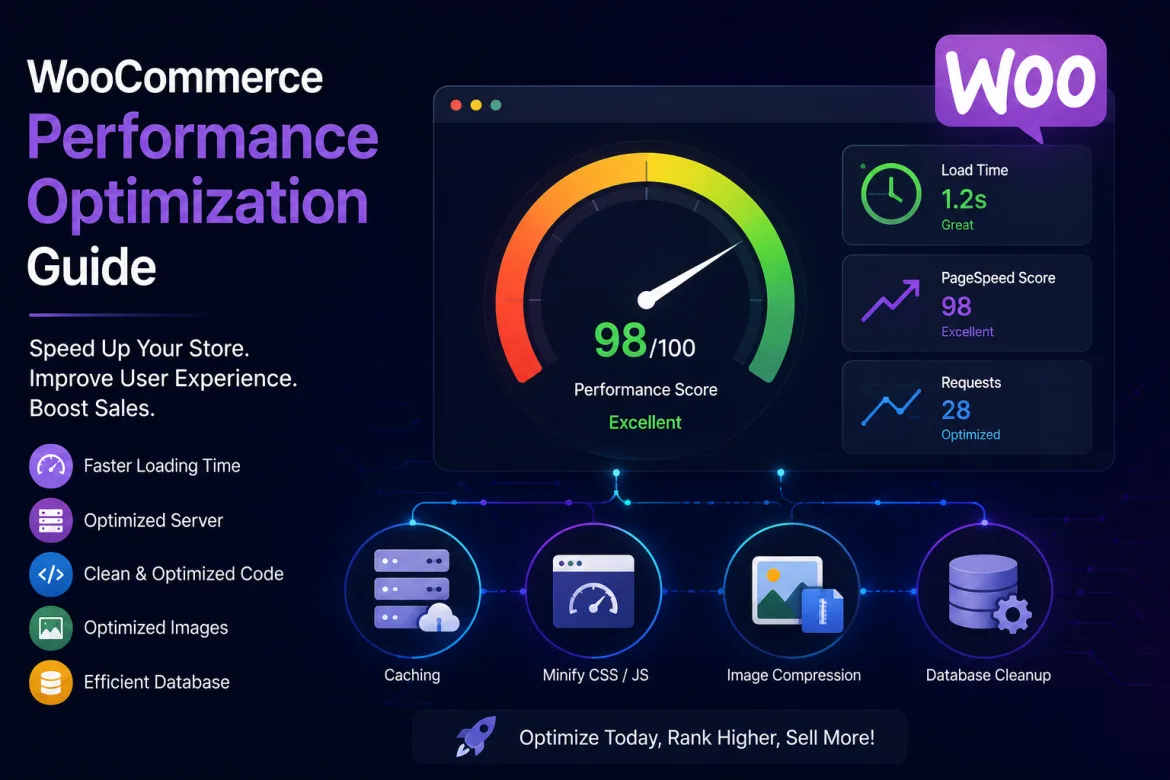
This WooCommerce Performance Optimization Guide illustrates how business owners may improve store speed, enhance the consumer experience, and increase conversions. Understanding the factors that drive WooCommerce performance and using realistic optimization solutions allows businesses to build faster and more efficient online stores that support long-term growth.
Understanding Why WooCommerce Performance Matters
Website performance has a direct impact on customer behavior. Modern online buyers are impatient and want pages to load nearly immediately. When a WooCommerce store loads slowly, visitors may leave before examining products, diminishing conversion and revenue prospects.
Search engines also consider webpage speed when calculating rankings. Faster websites give better user experiences, thus they are more likely to show higher in search results. This means that WooCommerce performance optimization improves not only customer satisfaction, but also organic visibility and traffic.
Performance has an impact on the entire customer journey. From product discovery and browsing to checkout and payment processing, a responsive website invites users to interact more intimately with the store. Faster businesses foster trust and professionalism, making customers more comfortable making purchases.
For organizations in highly competitive industries, performance improvement can provide a considerable competitive advantage. A store that loads rapidly frequently beats slower competitors by offering a more seamless purchasing experience that fosters repeat visits and consumer loyalty.
Choosing the Right Hosting Environment
Hosting is the foundation of WooCommerce performance. Even the most efficient store may struggle if it is housed on a low-power server. Choosing a reputable hosting company guarantees that the website has enough capabilities to manage consumer traffic and transactions efficiently.
Many businesses start with shared hosting because it is inexpensive. While shared hosting is ideal for small businesses, it can become problematic as traffic grows. Multiple websites using the same server resources may result in slower loading speeds during peak hours.
Managed WooCommerce hosting solutions are built exclusively for eCommerce stores. These hosting setups frequently offer server-level caching, performance monitoring, security measures, and WooCommerce-specific optimizations to boost website responsiveness.
Businesses experiencing significant expansion should look at scalable cloud hosting solutions. These platforms allow resources to expand in response to increased demand, assuring continuous performance during seasonal sales, promotional campaigns, and traffic spikes.
Optimizing Website Speed Through Caching
Caching is one of the most efficient ways to improve WooCommerce performance. It works by keeping pre-generated versions of website pages, which eliminates the need for repeating server processing whenever customers visit the business.
When configured correctly, caching can drastically reduce site load times. Customers see material faster because the server transmits saved versions rather than creating pages from scratch every time. This improves the browsing experience and saves server workload.
WooCommerce shops necessitate careful cache implementation since some pages contain dynamic content. Shopping carts, checkout pages, and customer account sections require immediate updates and should not be heavily cached. Proper setting guarantees that functionality remains unchanged as performance improves.
Businesses frequently notice instant benefits from having a solid caching approach. Reduced server response times, decreased resource consumption, and improved user experiences all help to increase customer engagement and sales prospects.
Optimizing Images for Faster Loading
Images are among the most prominent aspects on most WooCommerce sites. High-quality product photos are critical for attracting customers, but unoptimized images can significantly decrease page load times.
Many store owners upload huge photos straight from cameras or design software, without compression. While visually appealing, large photos waste bandwidth and lengthen loading times. Compressing photos preserves quality while lowering file size.
Modern picture formats outperform traditional formats in terms of compression and loading speed. Businesses might profit from implementing optimized image solutions that improve website performance while maintaining visual appeal.
Key image optimization practices include:
- Compressing product images before uploading.
- Using appropriate image dimensions.
- Implementing lazy loading for product galleries.
- Choosing modern image formats where supported.
- Regularly auditing media libraries for oversized files.
When properly optimized, photos boost both user satisfaction and search engine performance, resulting in a better overall buying experience.
Reducing Plugin Overload
One of WooCommerce’s most valuable assets is its large plugin ecosystem. Businesses can add features such as payment gateways and marketing tools, as well as inventory management and customer support systems. However, using too many plugins can have a negative impact on performance.
Each plugin includes code, database queries, and server processing needs. Installing too many plugins can lead to conflicts, longer loading times, and the consumption of important resources.
Store owners should routinely assess their plugins to determine whether each one adds significant economic value. Removing superfluous or outdated plugins frequently yields instant performance gains.
When it comes to extension selection, businesses should choose quality over quantity. Well-developed plugins with excellent support and regular updates typically outperform poorly maintained equivalents.
Regular plugin audits contribute to an effective WooCommerce environment. This method lowers performance bottlenecks while increasing security and stability. Businesses can also review the official WooCommerce plugin documentation for guidance on managing extensions.
Database Optimization for Better Performance
The WooCommerce database contains items, customer information, orders, settings, and other critical shop information. As organizations grow, databases can acquire a vast quantity of data, which can slow down website operations.
Unused data often accumulates over time. Old revisions, expired transients, spam comments, and superfluous entries deplete database resources and degrade performance. Regular database maintenance helps to eliminate these inefficiencies.
Database optimization accelerates query execution, allowing WooCommerce to obtain data more effectively. Faster queries lead to faster site load times and better customer experiences.
Businesses should set up frequent database maintenance programs to maintain constant performance. Regular cleanup efforts help to prevent long-term performance degradation and improve store scalability.
A well-maintained database becomes increasingly crucial as product catalogs and customer bases grow. Efficient database management gives a solid platform for long-term growth.
Content Delivery Networks and Global Performance
Businesses serving customers from various geographic regions frequently face performance issues due to distance. The farther users are from the hosting server, the longer material may take to load.
A Content Delivery Network (CDN) solves this problem by distributing website assets over numerous servers across the world. When customers visit the store, material is provided from the server closest to their location.
CDNs increase loading speeds for overseas consumers while reducing burden on the original hosting server. This leads to improved overall performance and more uniform user experiences across areas.
Benefits of using a CDN include:
- Faster global page loading.
- Reduced server workload.
- Improved website availability.
- Better handling of traffic spikes.
- Enhanced customer experience for international visitors.
For firms with many markets, CDN adoption frequently results in significant performance benefits and aids expansion attempts. Businesses can also learn more about CDN technology through Cloudflare’s CDN resource.
Improving Mobile Performance
Mobile commerce is growing rapidly, making mobile optimization critical for WooCommerce stores. Customers are increasingly browsing products, comparing pricing, and making purchases via smartphones and tablets. This move makes the mobile experience a critical aspect in overall shop performance.
A website that runs well on desktop devices may struggle on mobile networks. Larger files, complex layouts, and unnecessary scripting might have a detrimental impact on the mobile user experience. These difficulties frequently result in slower load times and less engagement.
Store owners should focus on building lightweight websites that load quickly on all devices. Mobile-friendly navigation, optimized graphics, and streamlined layouts all help to increase usability. This ensures that clients may browse and shop without hassle.
Search engines use mobile performance when calculating rankings. Faster mobile experiences boost SEO and consumer engagement. Businesses that focus mobile optimization frequently get improved conversion rates and greater revenue growth.
Optimizing WooCommerce Themes
Themes play a significant effect on website speed. While visually appealing themes may appear appealing, excessive design elements and superfluous functionality can dramatically reduce performance.
Lightweight WooCommerce themes are created with efficiency in mind. They reduce code bloat while preserving esthetically pleasing layouts and functionality. This balancing improves loading times while preserving user experience.
Businesses should evaluate themes based on both performance and esthetics. A fast-loading theme frequently produces greater commercial outcomes than a visually complicated theme that slows down navigation and checkout processes.
Theme optimization also includes removing unused features and minimizing external requests. Simplifying design elements frequently increases speed and creates clearer user experiences. Choosing the proper theme from the start can help prevent numerous performance issues and promote long-term website growth.
Businesses looking for professional assistance with theme optimization, technical improvements, and WooCommerce customization can explore WordPress Development Services for technical support, performance enhancements, and custom development solutions.
Key Factors That Influence WooCommerce Performance
Several interrelated variables contribute to the overall speed and efficiency of a WooCommerce store. Understanding these criteria enables firms to successfully prioritize their optimization efforts and focus on enhancements that have the greatest performance impact.
Important performance factors include:
- Hosting quality and server resources.
- Website theme efficiency.
- Number and quality of plugins.
- Image optimization practices.
- Database management.
- Caching implementation.
- Mobile responsiveness and usability.
Each feature enhances the entire client experience. Businesses that systematically address these issues frequently see considerable gains in speed, usability, and conversion performance.
Common WooCommerce Performance Mistakes
Many organizations unwittingly introduce performance concerns when attempting to increase feature or improve appearance. Recognizing typical faults allows store managers to avoid avoidable slowdowns.
One common mistake is adding too many plugins without considering their impact. Another common difficulty is uploading large image files, which require a lot of bandwidth and storage space.
Other common mistakes include:
- Using low-quality hosting services.
- Ignoring database maintenance.
- Overloading pages with animations.
- Failing to implement caching.
- Neglecting mobile optimization.
By avoiding these problems, businesses can maintain a quick, reliable, and customer-friendly WooCommerce environment.
The Future of WooCommerce Performance Optimization
The future of WooCommerce performance optimization will be determined by changing client expectations and technology improvements. Consumers increasingly anticipate rapid loading and seamless cross-device interactions.
Artificial intelligence and automation are likely to play increasingly important roles in performance monitoring and optimization. These systems can detect bottlenecks, suggest improvements, and automate routine maintenance procedures.
Advanced hosting infrastructures, edge computing, and enhanced content delivery technologies will continue to reduce latency and improve global website performance. Businesses that embrace these advances will be better able to meet client expectations.
As search engines prioritize user experience metrics, performance optimization will become increasingly vital for retaining exposure and competitiveness. WooCommerce stores that are fast and dependable will continue to gain an advantage in terms of customer acquisition and retention. Businesses can refer to Google’s web performance guidance for additional information about improving website performance.
Conclusion
WooCommerce performance optimization is an essential investment for any organization pursuing long-term eCommerce development. Faster websites boost consumer satisfaction, improve search engine exposure, and increase conversions. Businesses can improve their online shopping experiences by focusing on hosting, caching, image optimization, database administration, mobile performance, and theme efficiency.
A high-performing WooCommerce store enhances the shopping experience, increases client retention, and enables long-term business success. While many optimizations can be performed individually, complicated performance concerns frequently necessitate expert analysis and customization. Businesses wishing to improve their WordPress and WooCommerce websites can look into technical assistance, performance tweaks, and custom development options. Professional WordPress Development Services include technical assistance, performance advancements, and custom development solutions.